How the platform works
How aiomics works in a hospital.
With aiomics, teams coordinate cases and tasks, review documentation against its sources and prepare payer responses. Documents, voice notes and questionnaires support shared work across medicine, nursing, therapy and administration.
Developed with clinical teams for everyday hospital work.
Explore the platformFor physicians
Bring case documents together, prepare letter drafts and check supporting passages — using aiomics in daily hospital work.
Explore the platformFor hospital leadership
Assess documentation work, review time and handoffs in your hospital through clearly described workflows and an evaluation you can inspect.
See the economic impactWhere does your team need support?
From referrals to payer enquiries: find the workflow you want to improve.
- Medical and discharge lettersPrepare medical and rehabilitation letters, compare sources and surface omissions for review.
- Referrals and admissionsBring documents together, identify missing information and coordinate work across the team.
- Payer enquiries and preliminary proceedingsPrepare existing documentation for the handling of payer enquiries.
- Patient questionnairesCollect PROMs, PREMs and admission questionnaires, and organise how responses are reused.
- Quality managementMake patient feedback usable for quality work. Extended analytics and reports are planned.
The work between documents
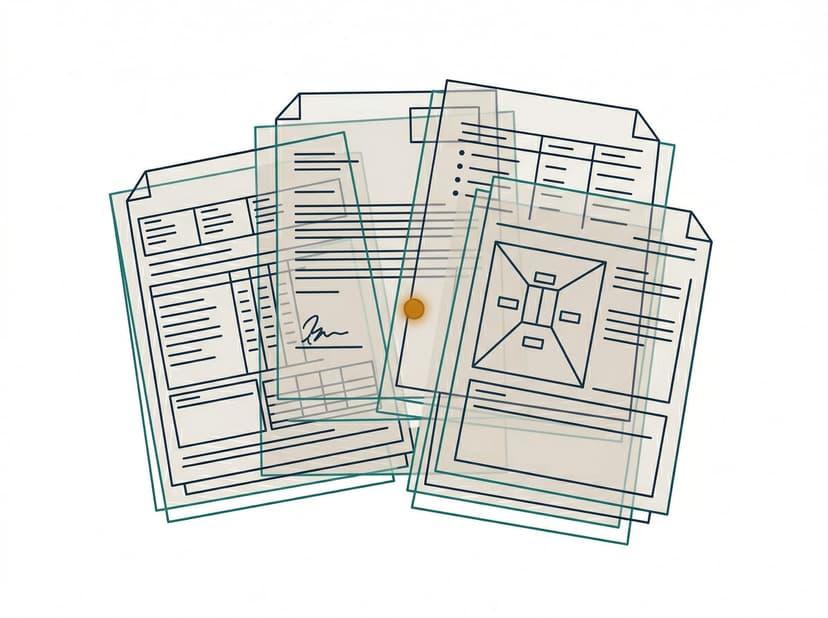
Find the evidence behind a draft
A letter draft is ready. Reviewing an assertion still requires the relevant passage in an earlier report. aiomics links structured information to its sources and supports checking against the original documents.
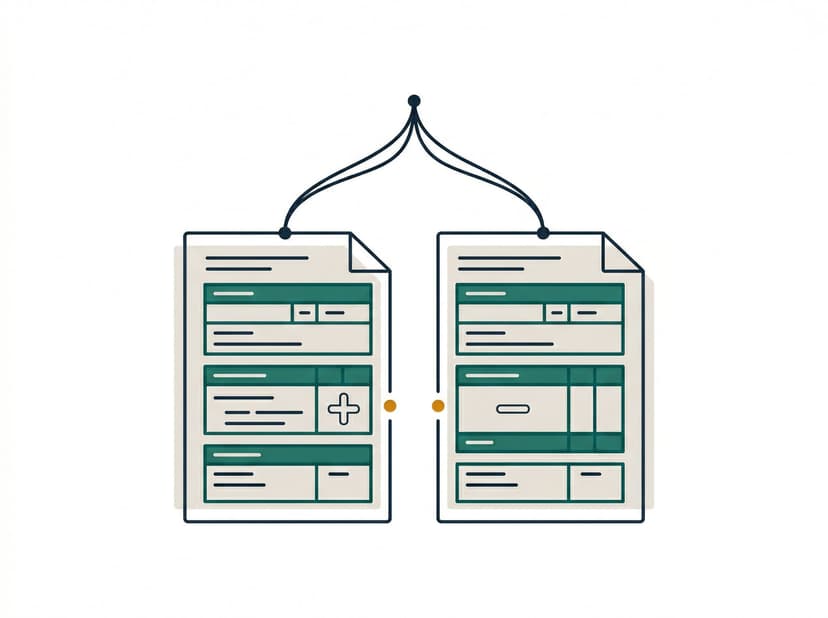
See differing accounts together
Two documents contain different accounts of the same detail. The multi-stage source comparison highlights differences and missing information. Your team checks the evidence and records the clarification.
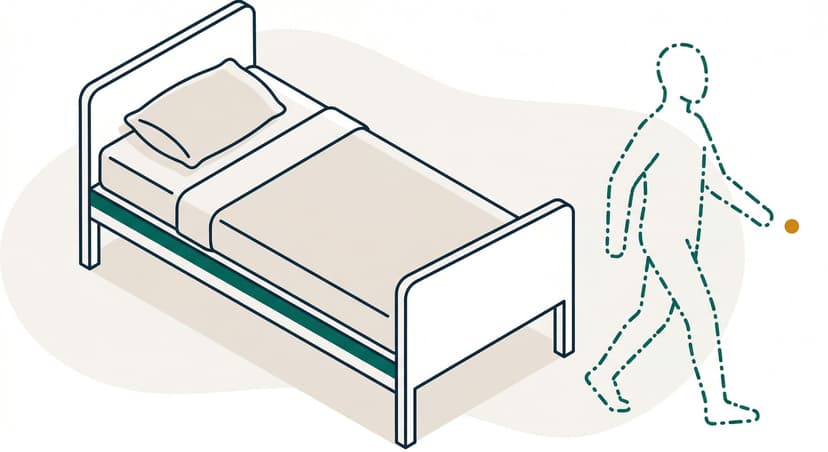
Continue after a request for information
An admission document or a response to a payer enquiry arrives later. The shared case view connects documents with the processing status so the responsible team can continue the work.
aiomics connects existing-record preparation with letter drafting, admissions coordination and payer correspondence. Digital questionnaires add structured response collection.
Measure the trial through to the completed task
Evaluation points for a joint trial
Discuss a trial for your hospitalHow aiomics works
Capture documents
Provide the case documents. aiomics extracts their information and prepares it for shared case work.
Compare and structure
Several processing stages compare the structured information. Omission and inconsistency notices lead back to sources and support professional review.
Draft documents
Selected sources become drafts using your templates. Physicians review and complete letters; payer responses go to the responsible professionals. Your hospital defines the approval process.
The software prepares documented information and drafts. Professional decisions, review and approval remain with the responsible people.
Use existing records across several workflows
Admission Management
Review referrals, request missing documents, and track each case. The platform structures incoming documents and prepares draft replies. Your admissions team checks the information and decides what happens next.
Patient Overview
BetaBring documented information together chronologically, open sources and review differences. The overview supports work with the existing record.
Reports and Letters
Medical letters and discharge summaries draw on the available records and your team’s documented statements. The platform prepares a draft using your hospital’s templates, with references to the sources. Physicians review, complete, and approve it.
Payer correspondence
For payer case dialogues and applications, aiomics assembles documented facts and supporting passages. Your team reviews the draft in its procedural context. Checks of specific German procedure-code requirements are planned.
Forms and Applications
Betaaiomics prepares form and application content from existing documents and highlights missing information. Your team reviews and completes the draft before using it.
Understand workload and financial pressure
One case supports several stages of work.
You open the overview of a new patient. Documented diagnoses, medication, findings, and lab values extracted from all available documents — chronologically structured, with source references, with notes where sources diverge.
An extension request needs preparation. You select the existing documents and review the resulting draft: which justification is documented, and which information is still missing? Your team completes and approves the response.
Before handover, you can see prepared drafts and their status. Outstanding information remains visible so the responsible team can continue working from the same documentation.
An example of using existing case documents. Responsibilities and handoffs follow the workflow agreed with your hospital.
Developed with hospitals. Information about information security, processing arrangements and responsibilities is available in the security and standards section.
Scientific evaluation in collaboration with Charité
aiomics is being studied in collaboration with the Charité Institute of Medical Informatics. Results will be published after completion. The evaluation examines its effect under the specified conditions of use.
More on security & standards“For the first time, I feel like someone actually understands how incomplete our records really are — and does something about it, instead of just copying the errors forward.”
Internal Medicine Specialist, Munich
We are happy to arrange introductions to current users.
Let’s discuss the first workflow in your hospital.
Whether you work in medicine, nursing, therapy, administration or implementation, we can show you the platform and discuss scope, responsibilities and open questions.
Arrange a conversation30 minutes for your questions. No obligation.
Proudly backed by


